Operations
QR Label Printer
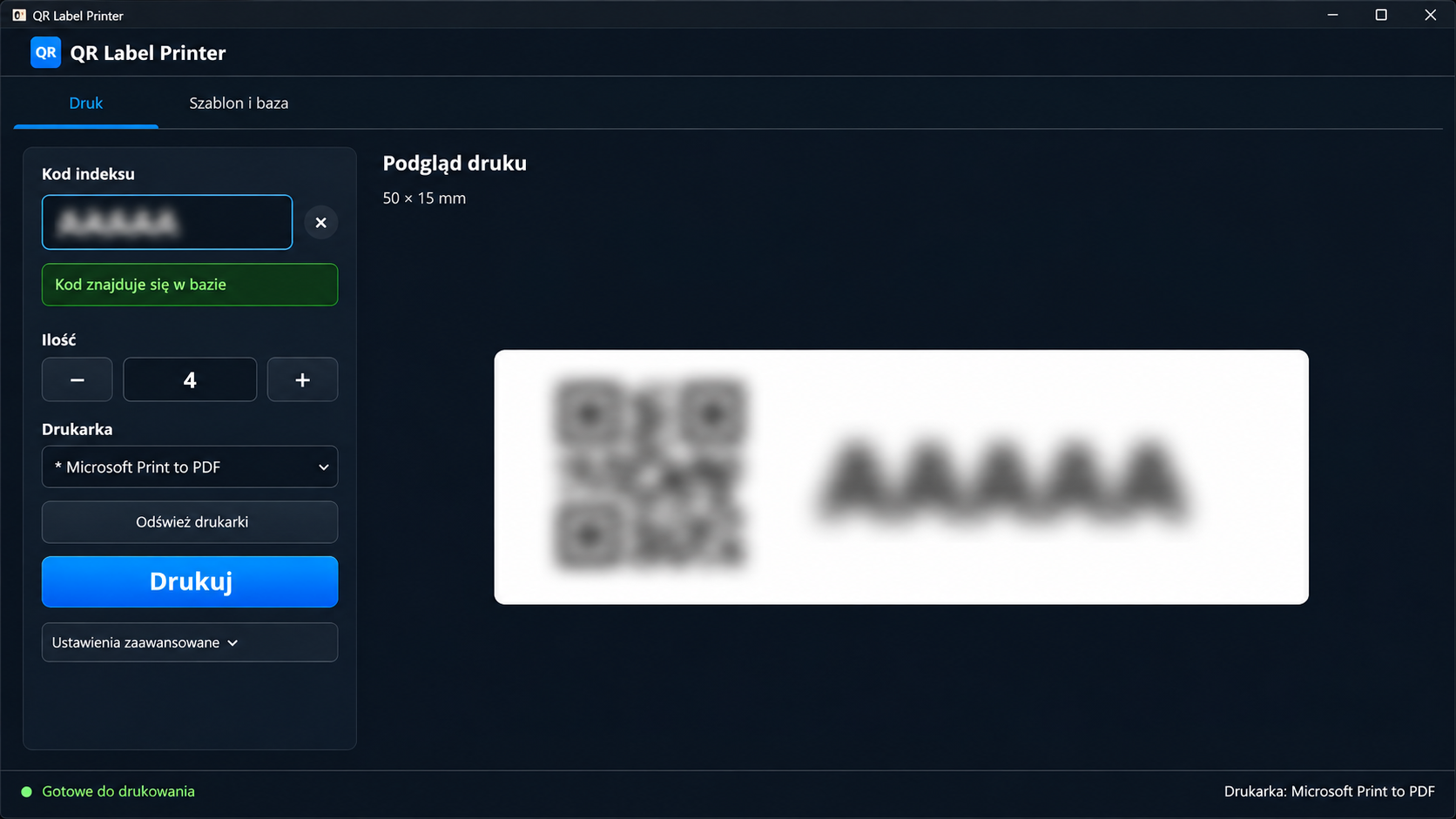
Item code validation helps prevent incorrect labels before printing.
Business problem
Manually entering item codes can result in labels printed with the wrong code.
Solution and capabilities
The app brings label design and printer control together. It checks item codes against a database to catch entry errors before printing.
- Validate item codes and preview QR labels before printing.
- Edit label layout, size and text.
- Choose a printer and set the number of copies.
System architecture
- Item code from the database
- Label preview using a template
- Print the selected number of copies
Technologies and integrations
- Databases
- Item database
- Hardware
- Label printer
- Software and techniques
- QR codes · Print templates
- Integration flows
- Output to a label printer
Technical challenges
- Validating the item code before printing while keeping the template editable.
Outcomes
- Operators verify the item code and preview the label before printing.
- Editable size, layout and text let the same app handle different labels.
Gallery